

Description
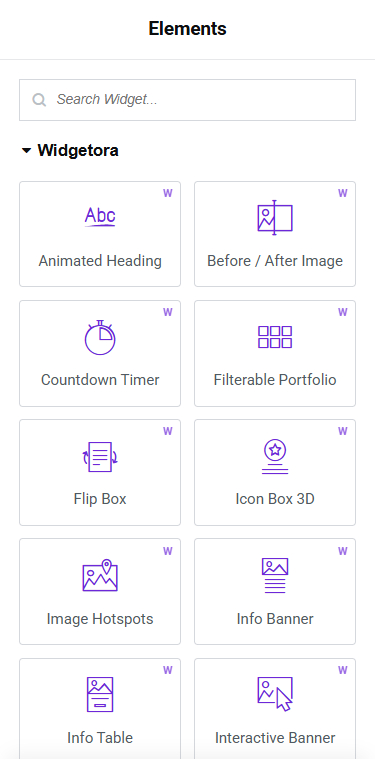
Widgetora adds 16 creative, performance-minded widgets to the Elementor page builder. Several of them are features that usually require a paid page-builder upgrade — here they are free.
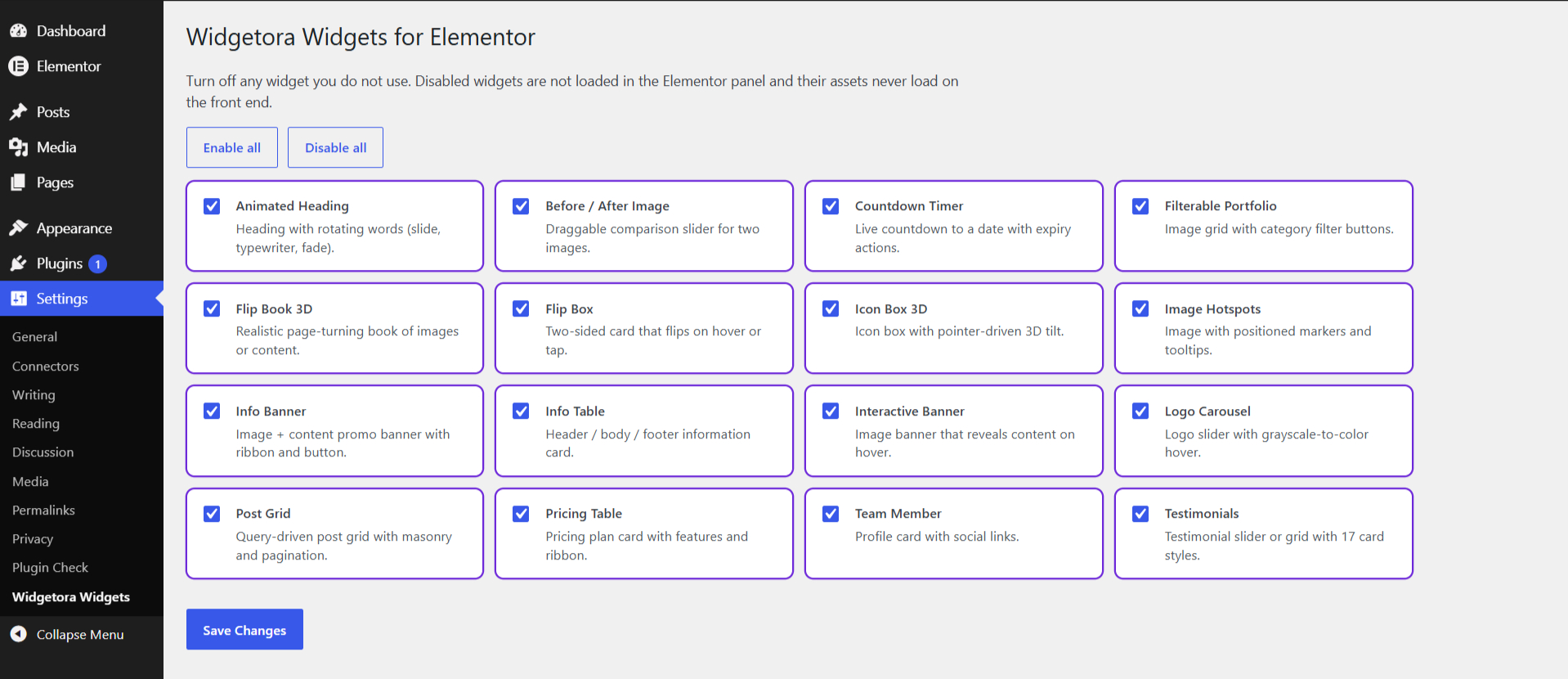
Every widget loads its CSS and JavaScript only on pages where it is used, uses Elementor’s native controls (responsive sliders, typography, borders, shadows, icons, dynamic tags), and can be switched off under Settings Widgetora Widgets.
Free widgets
- Animated Heading – rotating words with slide, typewriter or fade animation.
- Before / After Image – drag or hover comparison slider, horizontal or vertical, keyboard accessible.
- Countdown Timer – boxed, circle or minimal styles; site, visitor-local or UTC time zone; expiry message or hide.
- Filterable Portfolio – image grid or masonry with automatic category filter buttons.
- Flip Book 3D – a realistic page-turning book of images or rich content, with arrows, page tabs, swipe and keyboard support.
- Flip Box – two-sided card that flips on hover or tap, in four directions.
- Icon Box 3D – icon box with pointer-driven 3D tilt, depth layers and glare.
- Image Hotspots – markers (icon, text or image) with hover/click tooltips and pulse animation.
- Info Banner – image + content promo banner with ribbon, hover effects and button.
- Info Table – header / body / footer information card.
- Interactive Banner – image banner that reveals content on hover (6 styles).
- Logo Carousel – client logo slider with grayscale-to-color hover, captions and links.
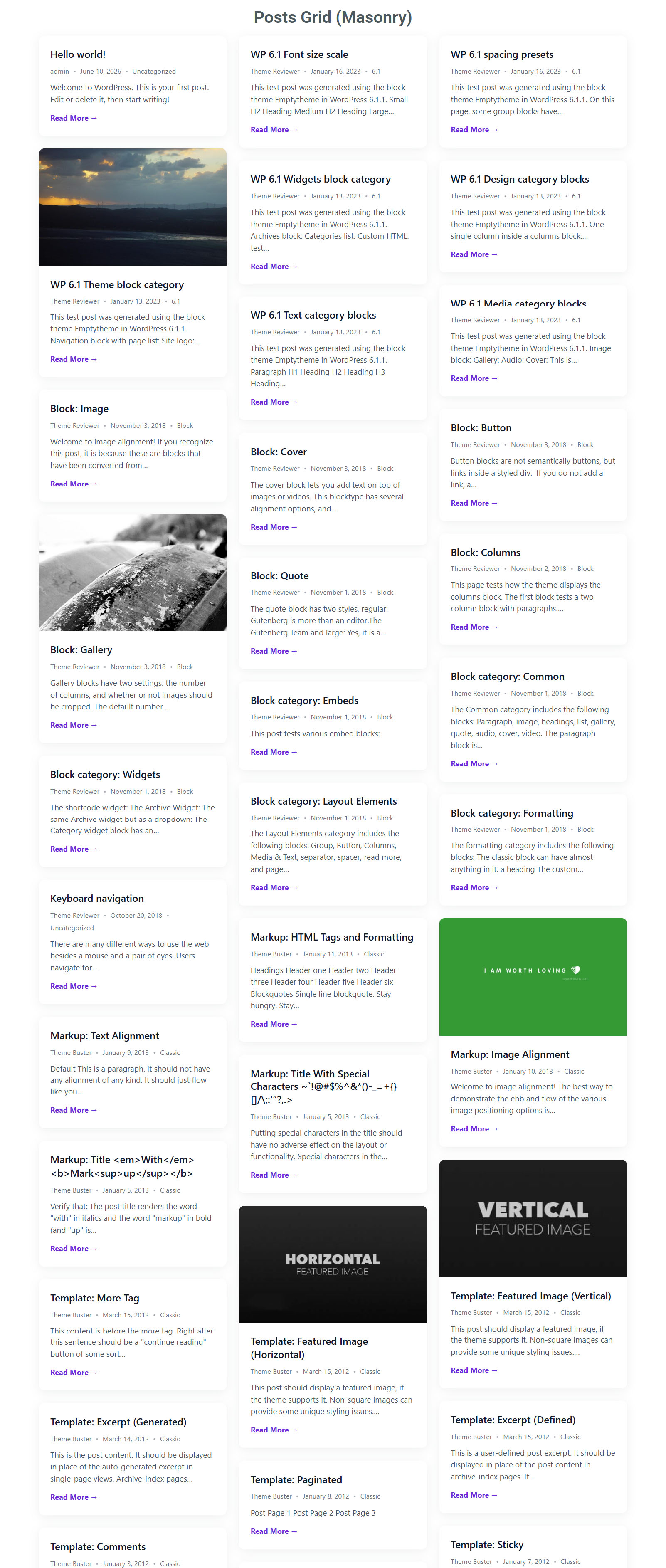
- Post Grid – query any post type; grid or masonry; three card presets; numbered pagination or AJAX “Load More”.
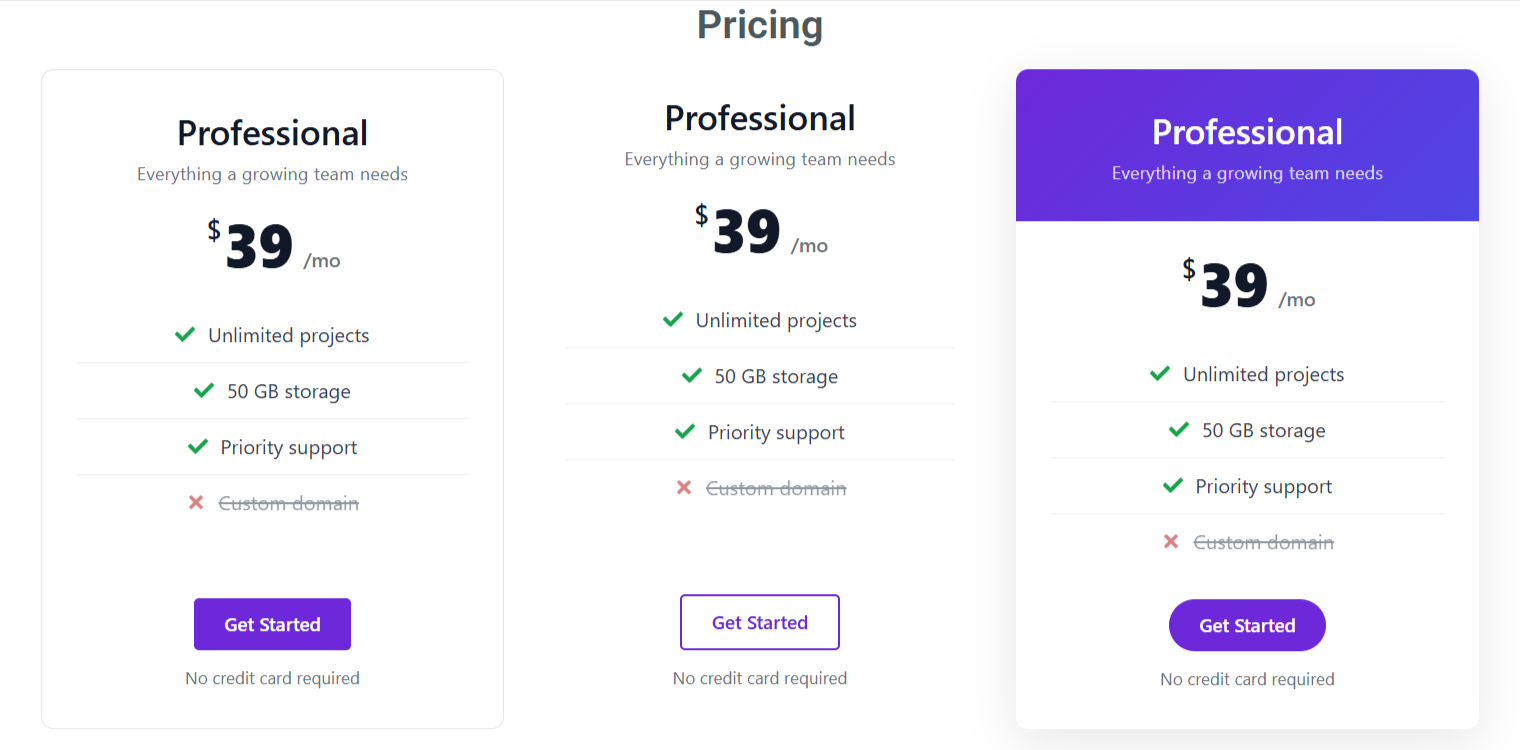
- Pricing Table – plan card with features, sale price, ribbon (corner, flag, stripe) and featured state.
- Team Member – profile card with social links, four layouts and hover effects.
- Testimonials – slider or 12-column grid, 17 card styles and half-star ratings.
Built for speed and accessibility
- No external requests: every library is bundled locally (the page-flip engine is StPageFlip, MIT). Carousels use the Swiper library that ships with Elementor.
- Vanilla JavaScript — no jQuery plugins.
- Respects
prefers-reduced-motion. - Keyboard support and ARIA attributes on interactive widgets.
Third-party libraries
- StPageFlip (page-flip) 2.0.7 – MIT License – https://github.com/Nodlik/StPageFlip
Screenshots


Installation
- Install and activate Elementor (version 3.5 or newer).
- Upload the
widgetora-widgets-for-elementorfolder to/wp-content/plugins/, or install the plugin from the WordPress plugin directory. - Activate Widgetora Widgets for Elementor from the Plugins screen.
- Edit a page with Elementor and look for the Widgetora category in the widgets panel.
- Optional: go to Settings Widgetora Widgets to turn off widgets you don’t need.
FAQ
-
Does Widgetora require Elementor Pro?
-
No. Widgetora works with the free version of Elementor (3.5 or newer).
-
Will it slow my site down?
-
Each widget’s CSS and JavaScript only load on pages that use that widget, and you can disable unused widgets entirely.
-
Does the plugin make external requests or load files from a CDN?
-
No. All assets are bundled with the plugin.
-
How do I show two categories on one portfolio item?
-
Separate categories with commas in the item’s Categories field, for example
Web Design, Branding. -
Load More reads the widget settings from the saved page, so save (or update) the page first. It works normally on the front end.
-
Is Widgetora translation ready?
-
Yes. A translation template is included in the
languagesfolder.
Reviews
There are no reviews for this plugin.
Contributors & Developers
“Widgetora Widgets for Elementor” is open source software. The following people have contributed to this plugin.
Contributors
Translate “Widgetora Widgets for Elementor” into your language.
Interested in development?
Browse the code, check out the SVN repository, or subscribe to the development log by RSS.
Changelog
1.0.2
- Initial Release.